Account Deletion Guide
Here's a step-by-step guide on how to delete your account from the mobile app
1
Click on Profile Icon from Main Screen
After logging into the app, tap on the Profile icon in the bottom menu.

2
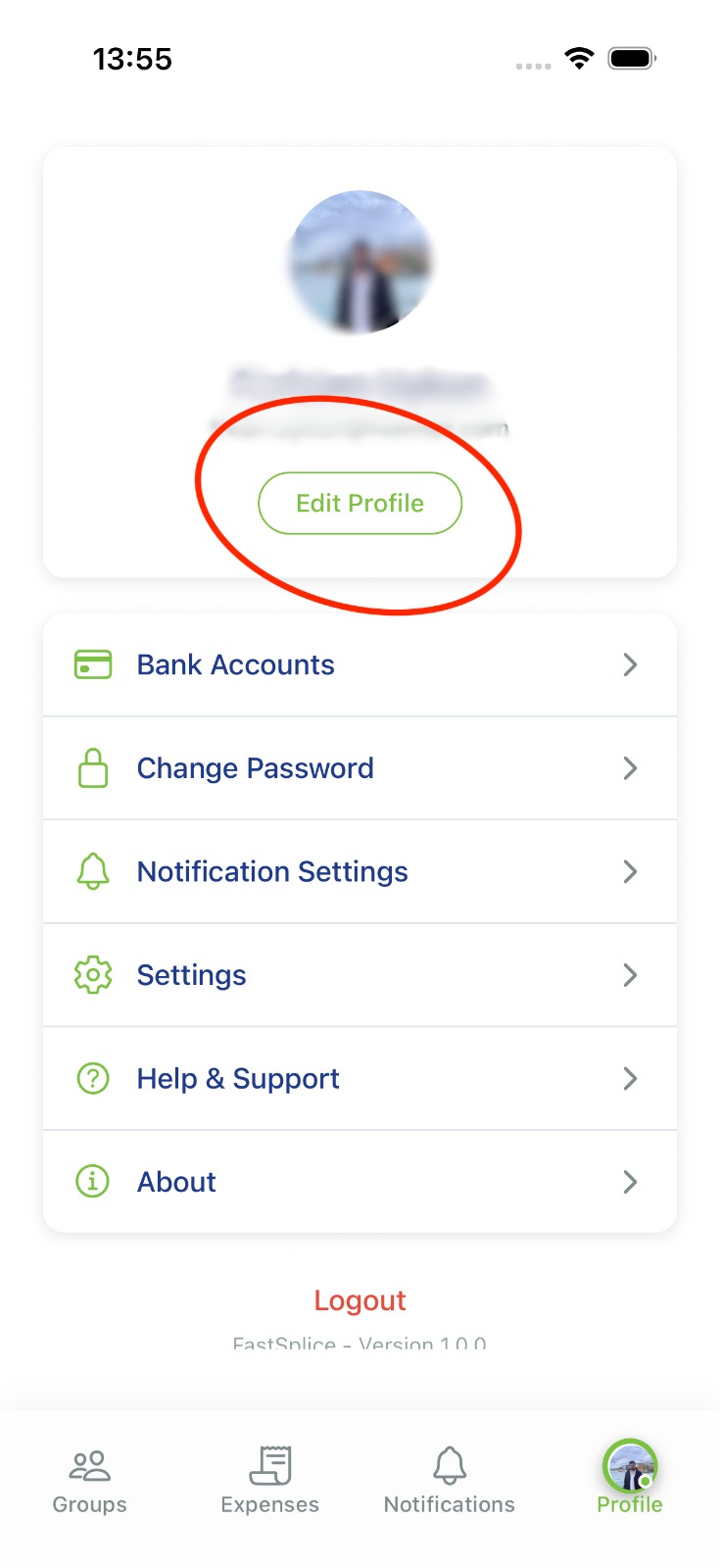
Click on Edit Profile
On the profile screen that opens, tap on the "Edit Profile" button.
3
Click on Delete Account Button
Tap on the "Delete Account" button located at the bottom of the profile editing screen.

4
Confirm
In the confirmation dialog that appears, confirm that you want to delete your account. Your account will be permanently deleted and you will be redirected to the login screen.
Important Warning: When you delete your account, all your data will be permanently
removed. This action cannot be undone!